Faceting diagrams, reimagined
Plan, design &
render gemstones
in your browser.
The whole faceting workflow in one place. Built for gem cutters who see the gem before the first cut. From rough to remarkable.
- Your designs come with youBackward compatible with GemCAD (.gem, .asc) and Gem Cut Studio (.gcs). Import your library, keep working.
- Realistic renderingTrue brilliance and color, previewed live as you design.
- Best-yield rough plannerFit the finished gem inside your rough before a single cut.
- Guided creatorFrom blank to finished diagram, one tier at a time.
Free tier, no credit card, nothing to install. Opens .gem · .asc · .gcs · PDF diagrams.
Built for serious gem design
Precision tools that work whether you're cutting your first stone or your five hundredth.
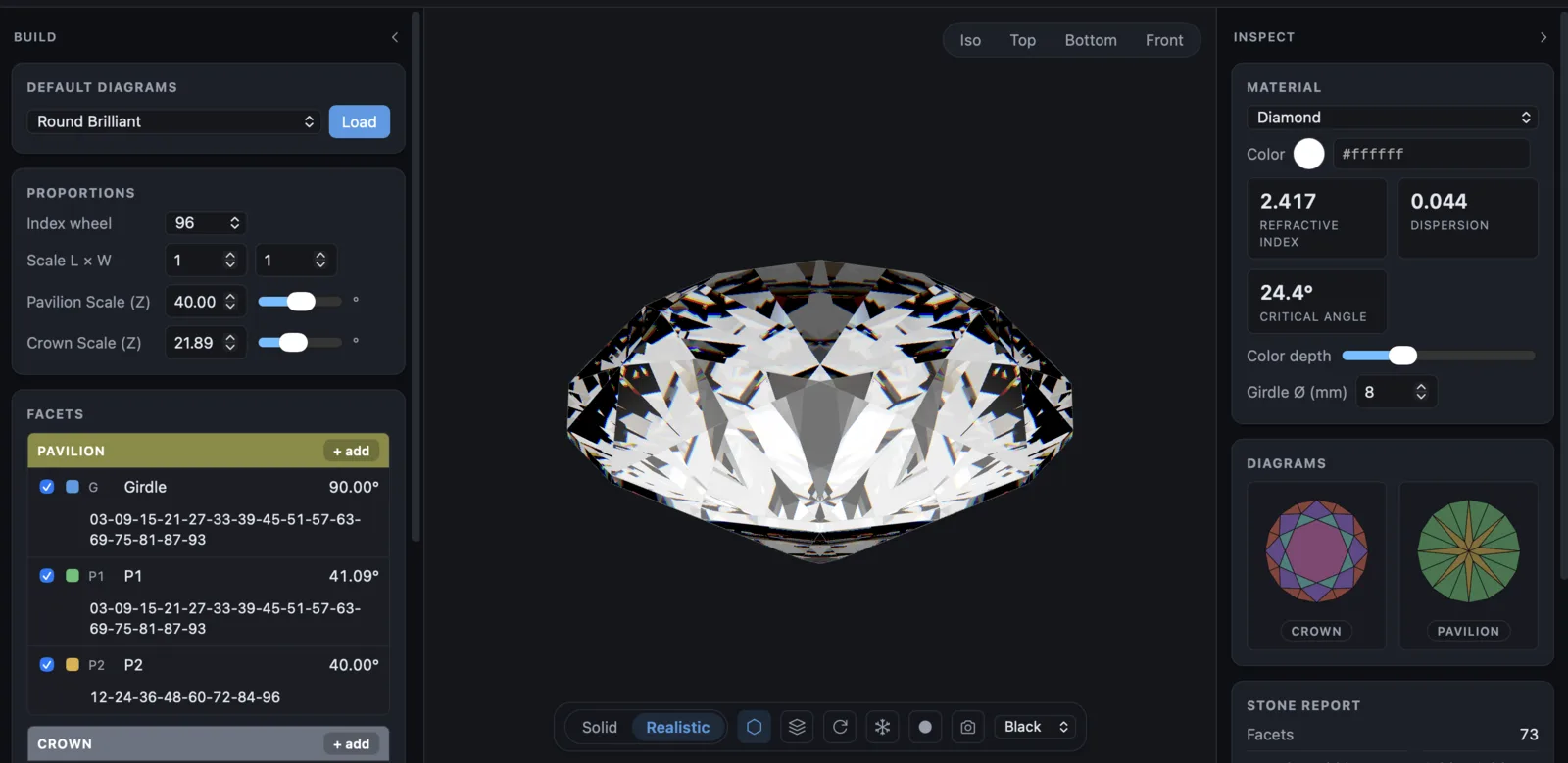
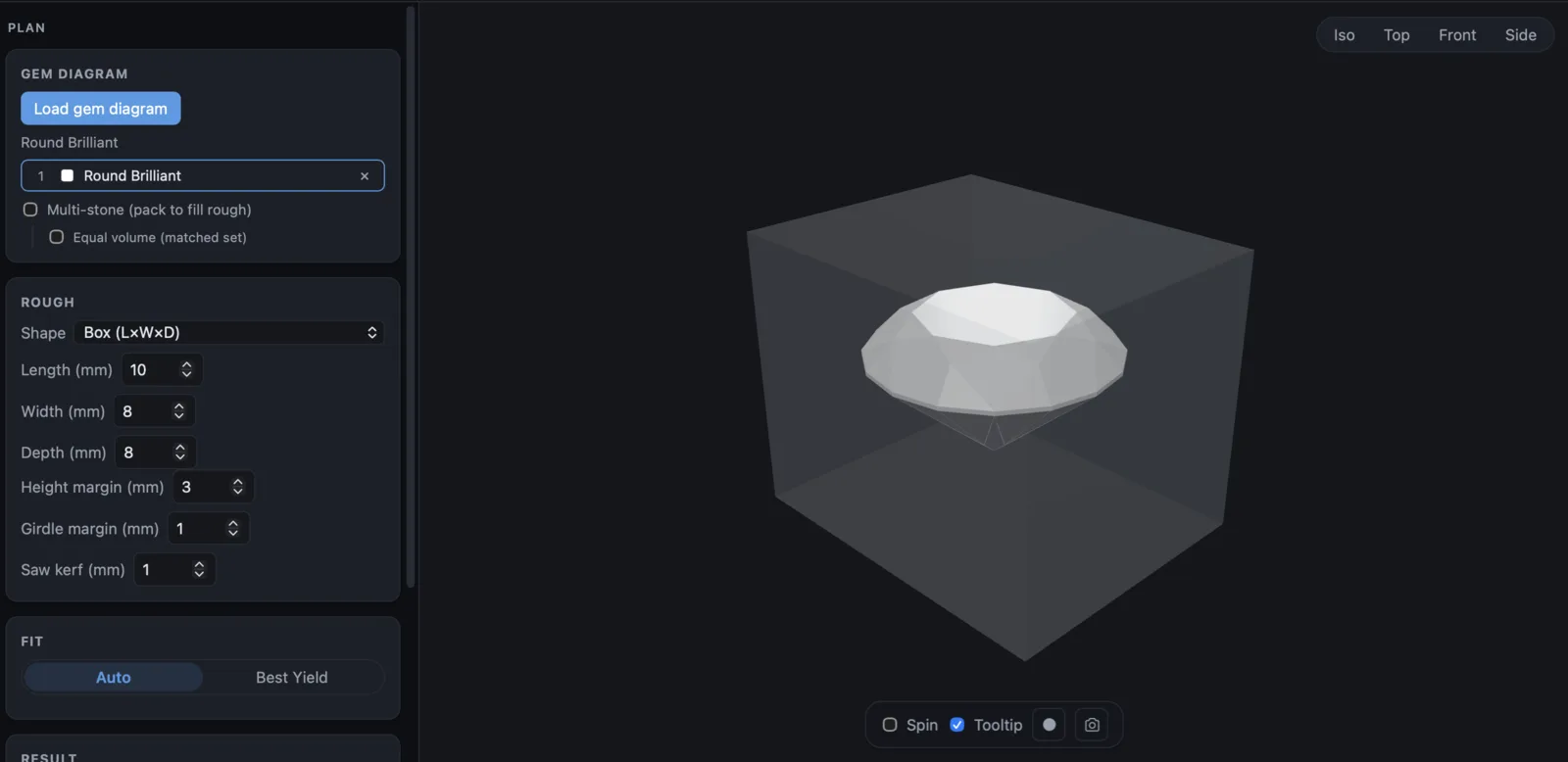
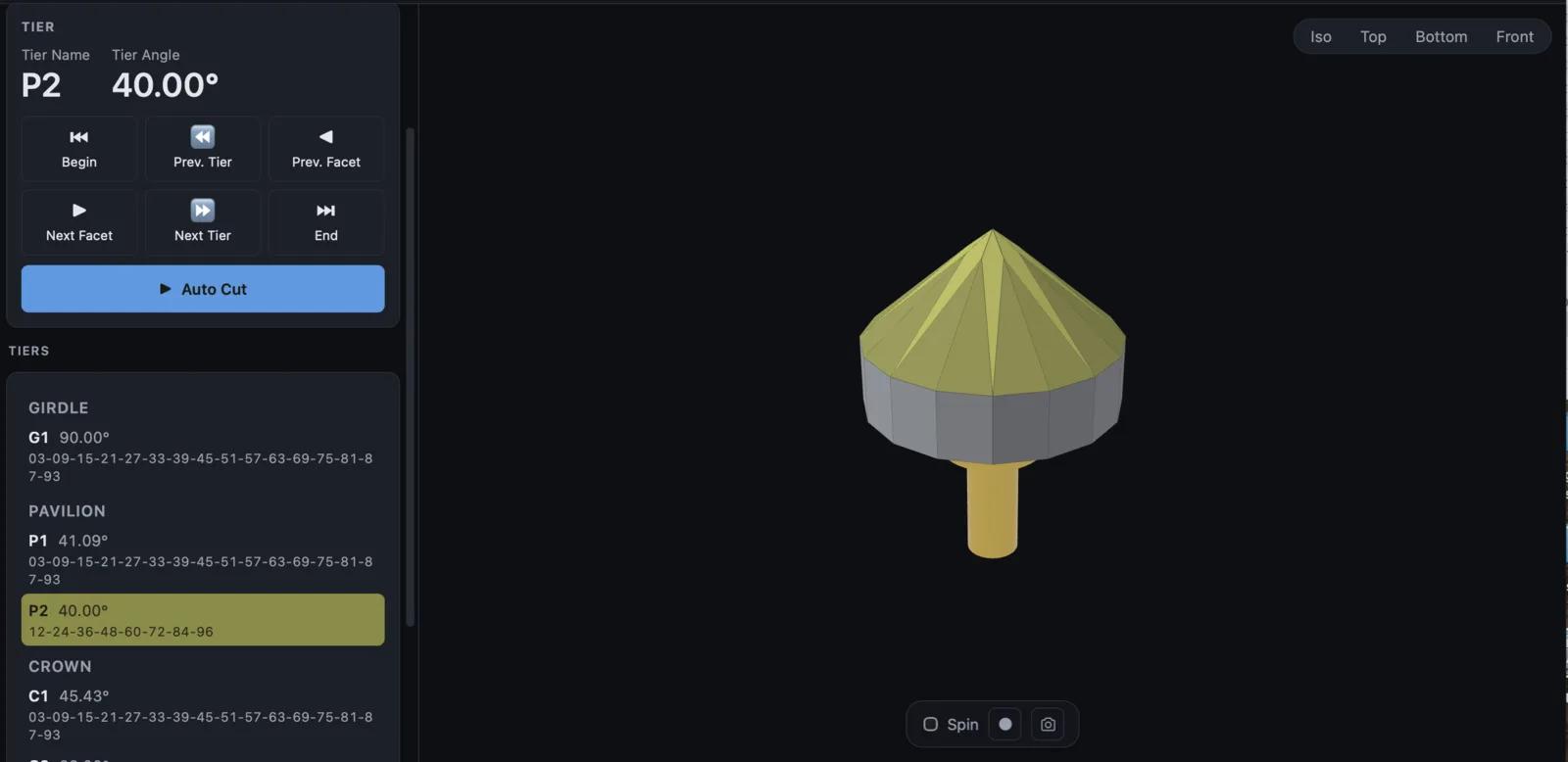
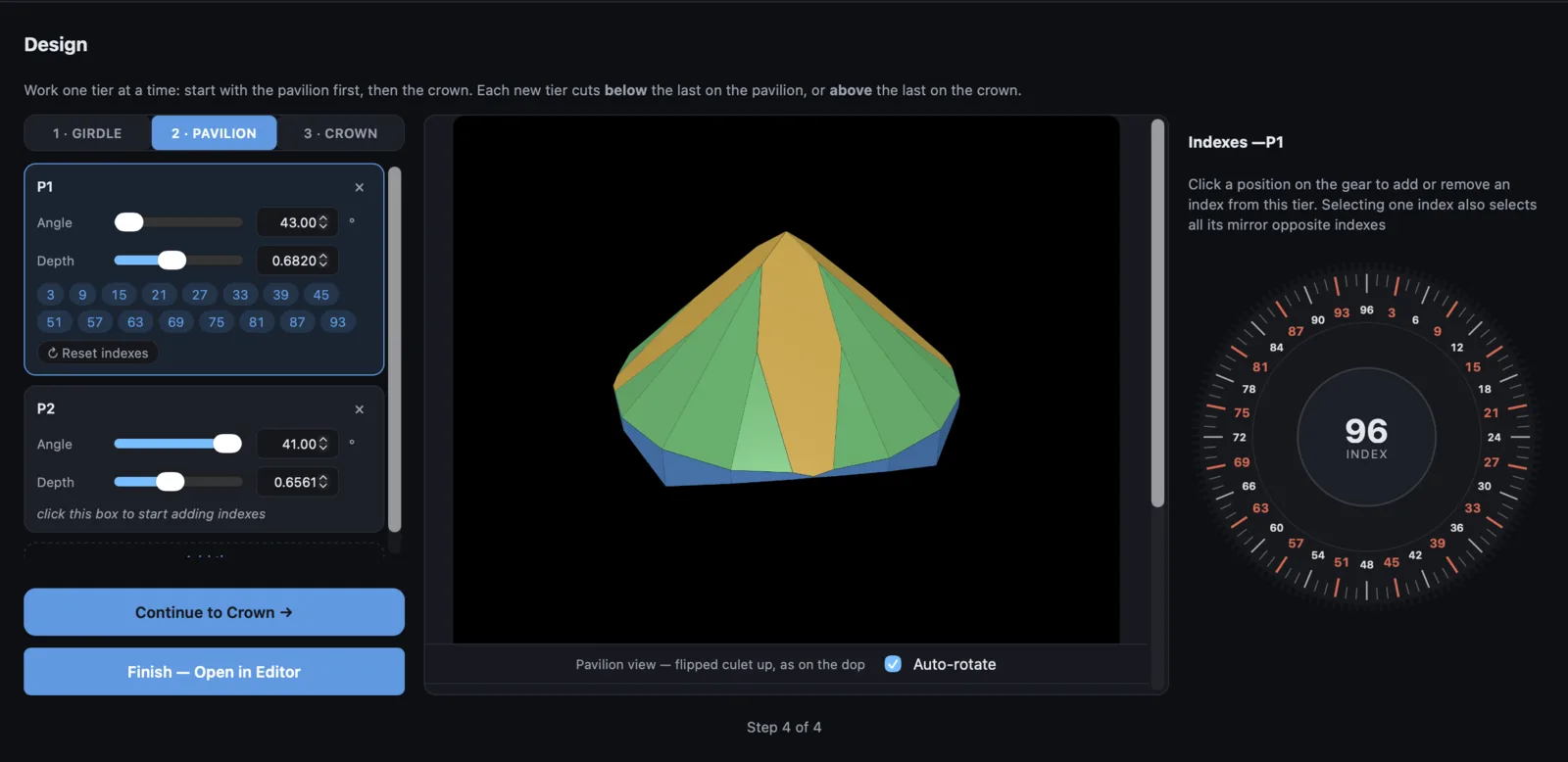
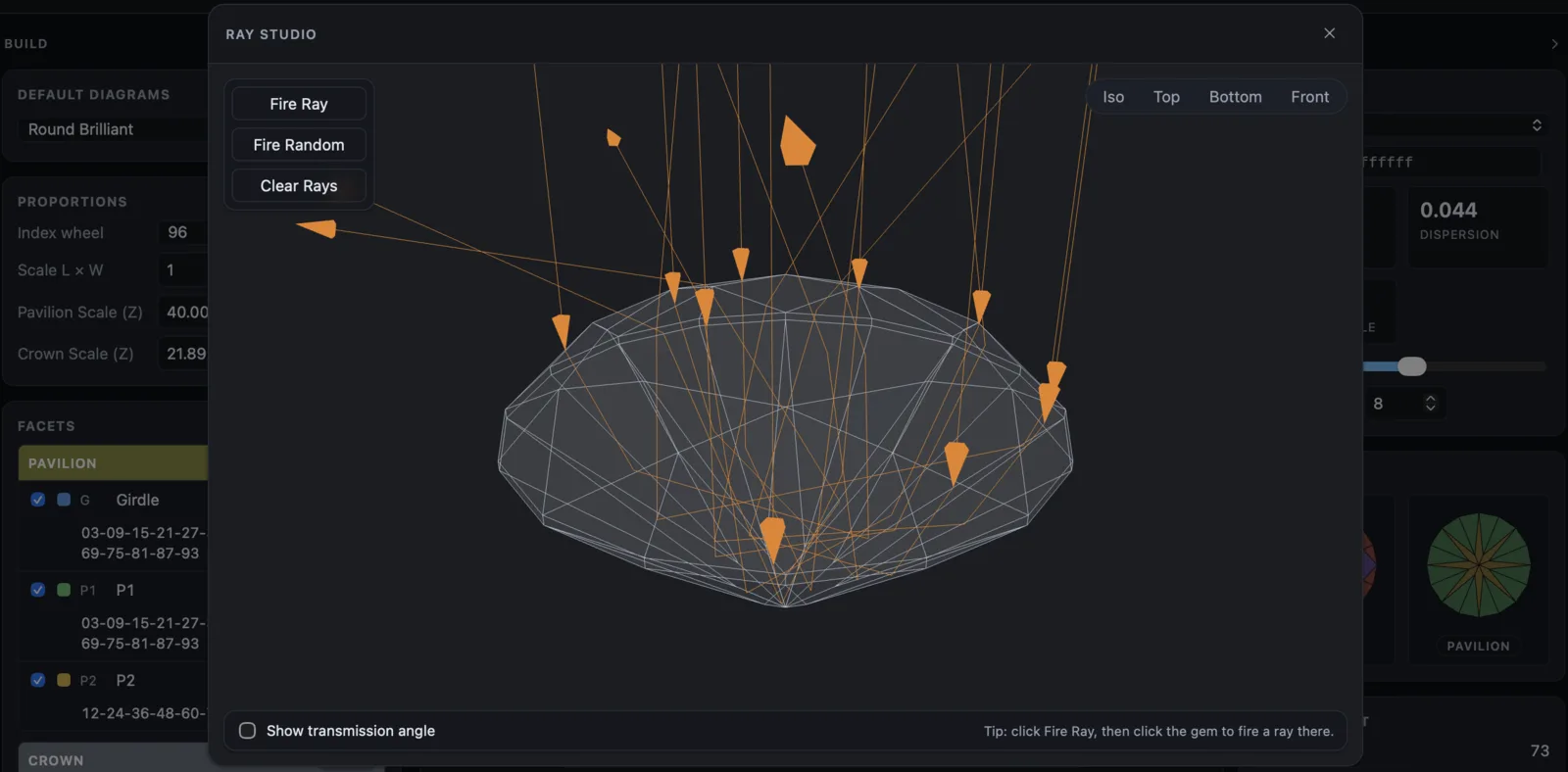
Everything a working cutter needs
Design, cut, and hand off a finished stone without leaving the browser.
FROSTED FACETS
Add a little spice to your design.
You can frost individual facets one at a time, or you can frost an entire pavilion or crown at once using the Add Frosted Facets dialog. Both approaches apply the exact same frosting geometry.
Explore this feature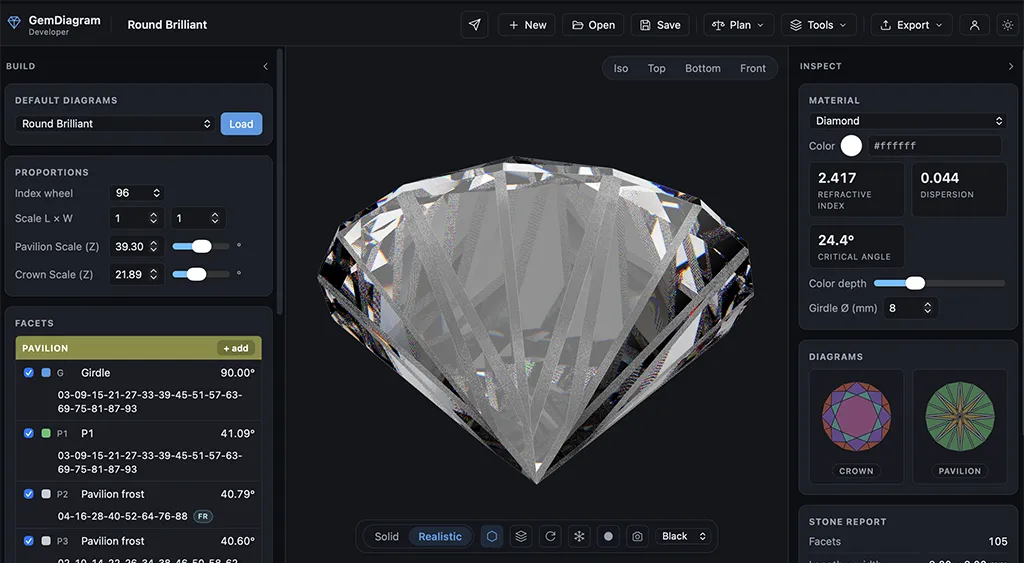
AUTO CUT
Preview the cutting process.
Watch the entire stone get cut with a push of a button, in the order you'll actually cut it, so you can catch mistakes before they hit the lap.
Explore this feature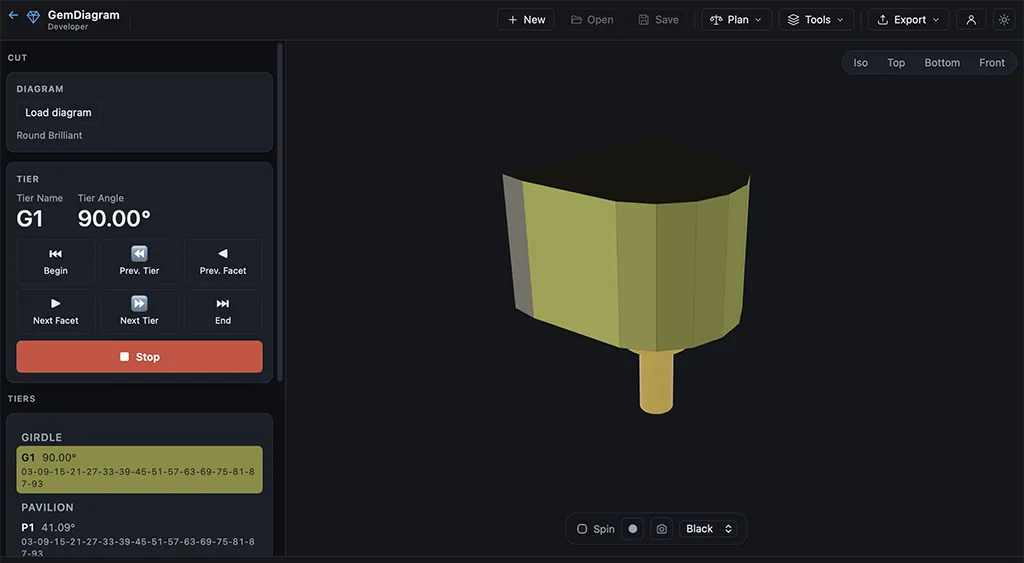
RECORD RENDERS
Create promos for your designs
Export realistic images and videos of your stone for presentations, social media, or promotional material.
Explore this feature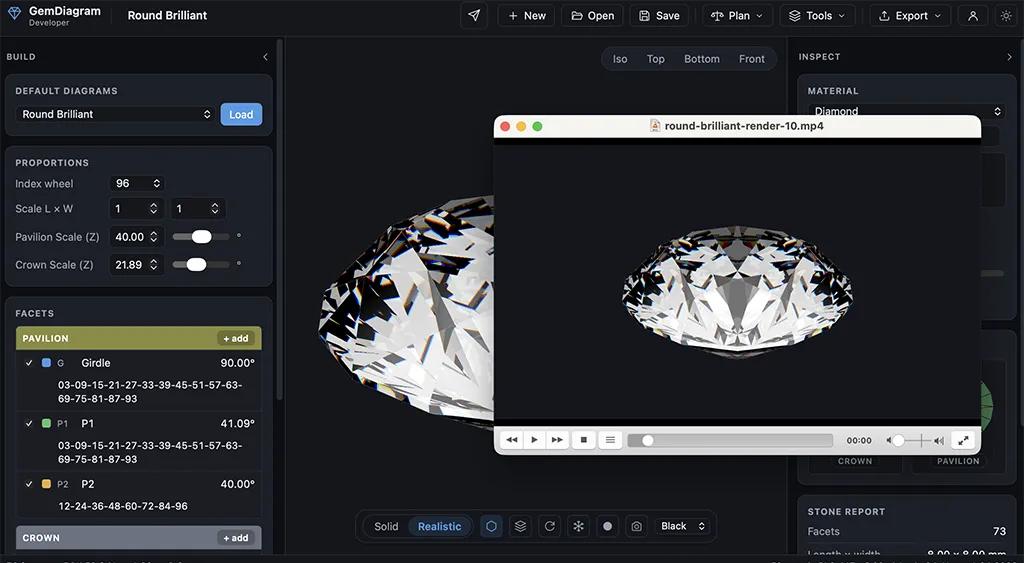
MATERIALS LIBRARY
Real gemstone physics, built in.
Choose from 22+ gemstone profiles with accurate refractive indices, dispersion, and density values, so your preview reflects how the actual material behaves.
Explore this feature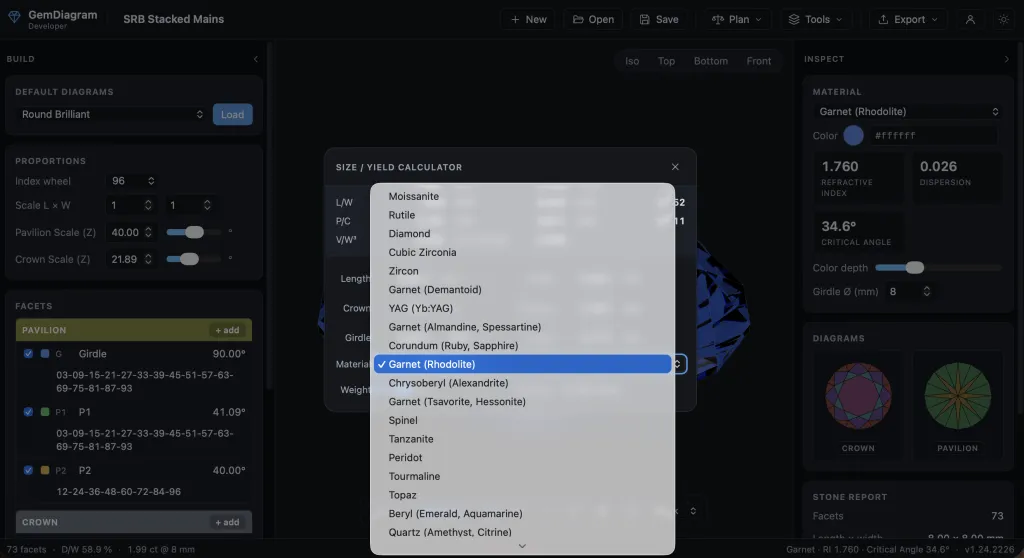
EXPORT FILES
Take your work with you.
Save designs, export PDF cutting reports, capture screenshots, and record video of your renders. Print or share the reports directly with clients.
Explore this feature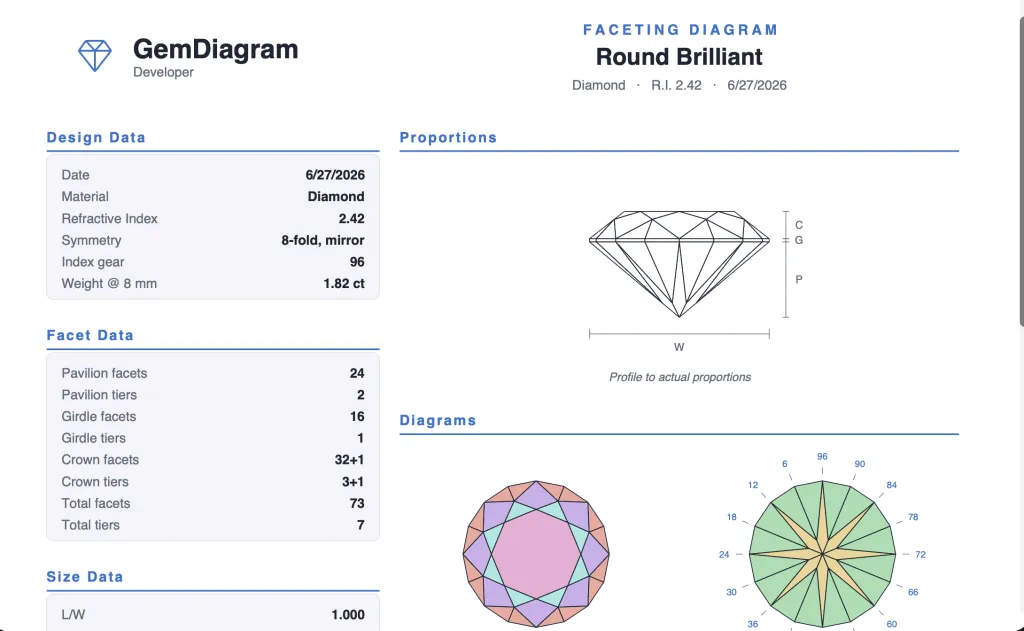
GEM SHOWCASE
A gallery for your finished designs.
Publish your best work to a shareable showcase page. Curate a public portfolio of finished gems, complete with renders and specs.
Explore this feature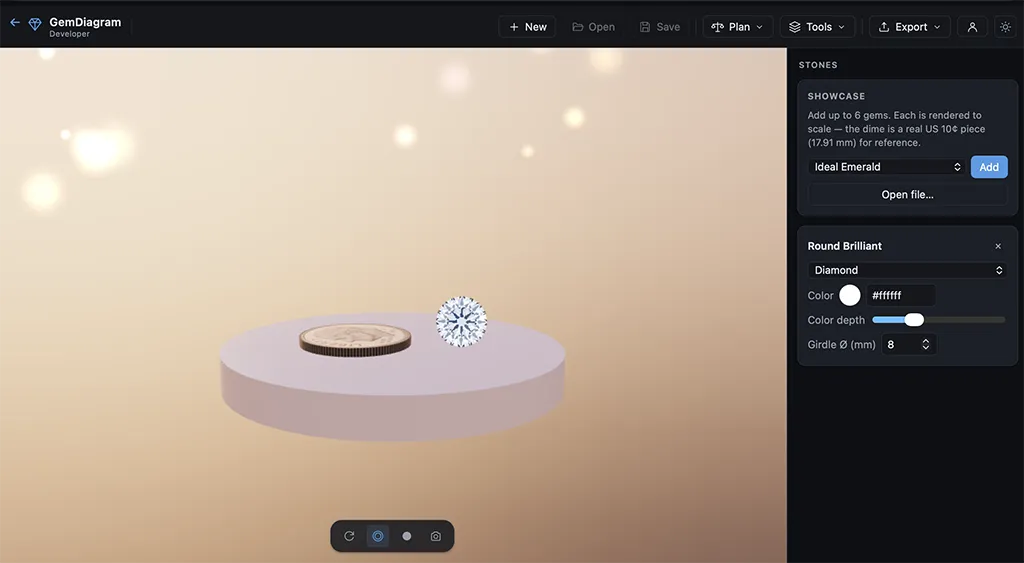
CLIENT PREVIEW
Share a link, not a file.
Send clients a branded, view-only preview link of a design in progress, no login required. Themed to match your business, with full control over what they see.
Explore this feature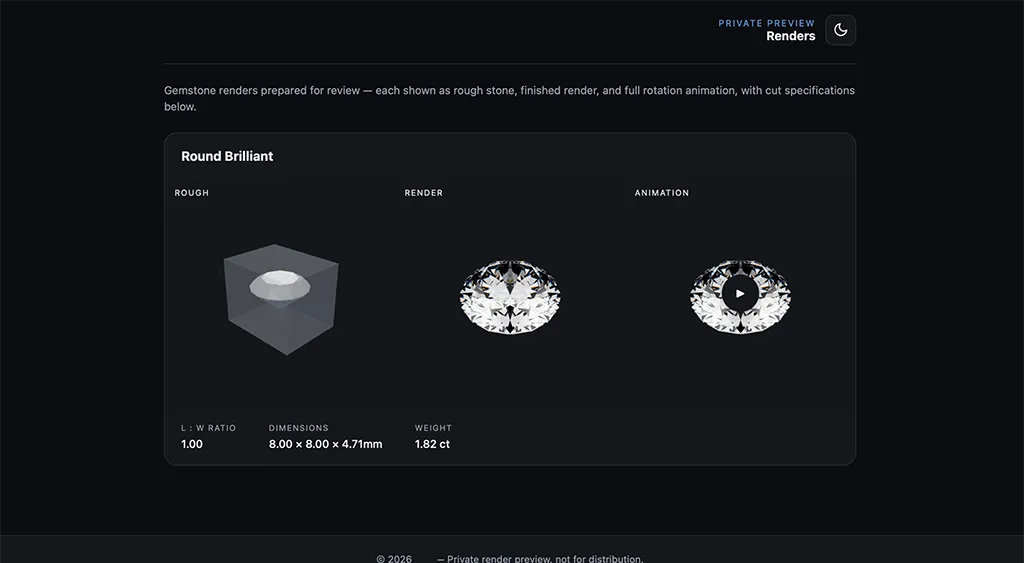
PDF DIAGRAM IMPORT
Bring existing diagrams in.
Import a faceting diagram straight from a PDF and pick up where the original design left off, instead of rebuilding it facet by facet from scratch.
Explore this feature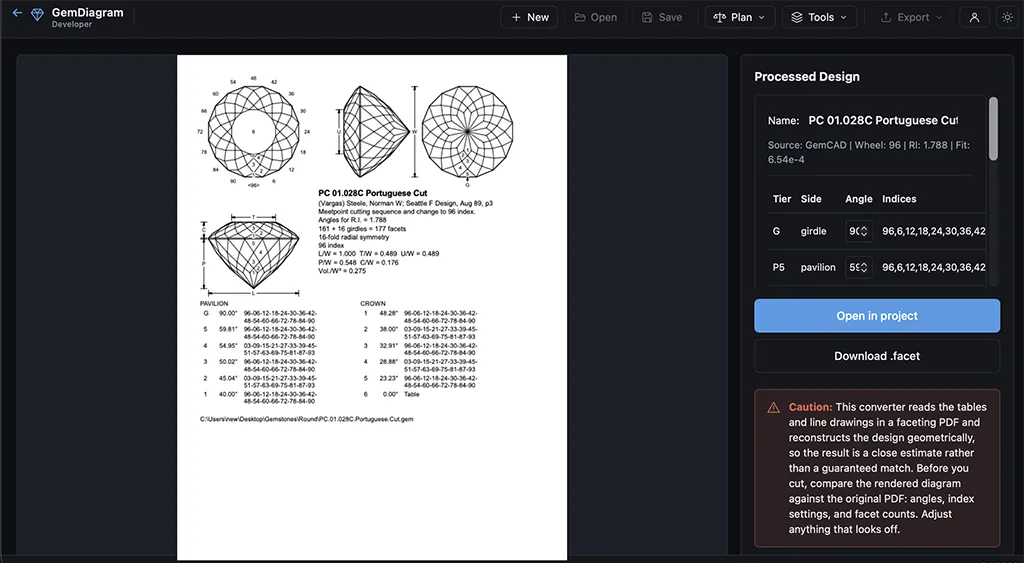
Certainty, before the first facet
Gem Diagram makes it easy to plan the rough before it goes on the dop, cut from a sequence you can follow, and hand the client something they can actually look at.
Pay for the year instead and it drops to $20 a month.
Free Demo
A showroom, not a bench. Look at everything, change nothing.
- Every tool open to look through — Gem Designer, Cutting Assistant, Rough Planner
- Full pre-loaded gem library in live 3D (solid + realistic)
- Ray Studio and yield calculator on pre-loaded gems
- Open your own .gem / .asc / .gcs files to view
- View only — no saving, editing or exporting
Pro is a subscription that renews automatically until canceled. Cancel anytime from your dashboard.
Compare all features
See the full feature matrix with all plans side by side.
Common questions
Quick answers about plans, browsers, and getting started.
Ready to design your next gem?
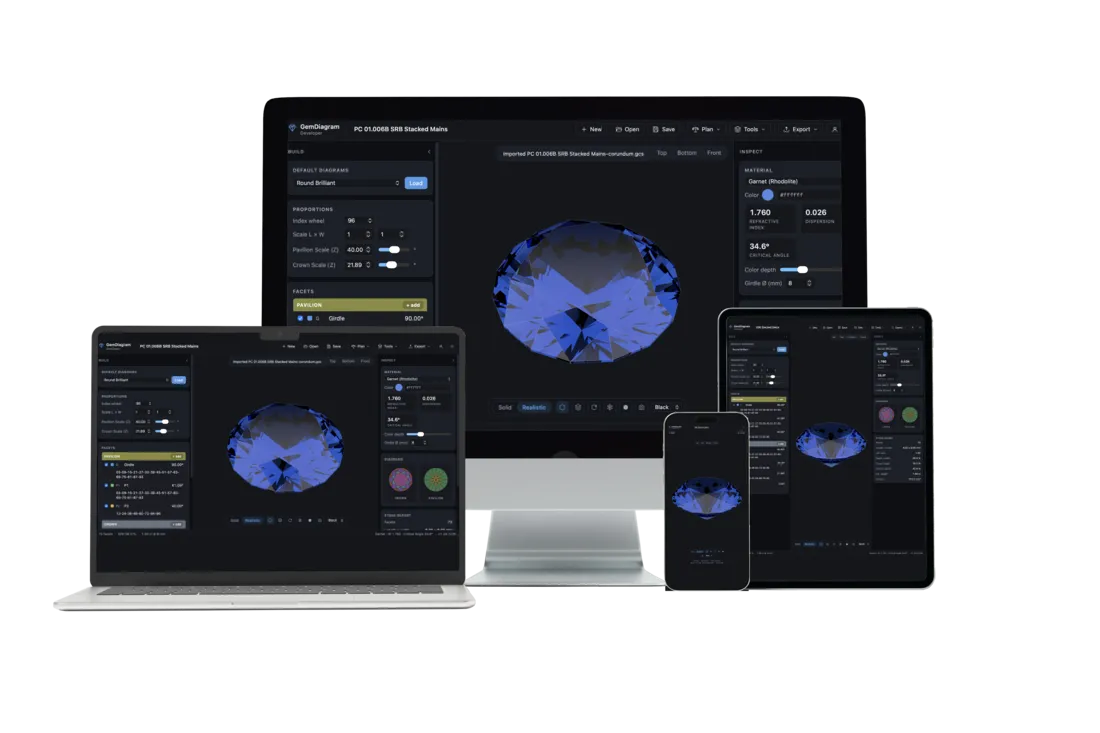
Plan the stone, cut it with a live guide, and send clients the render. It all runs in your browser.
No credit card, nothing to install.
Get started free