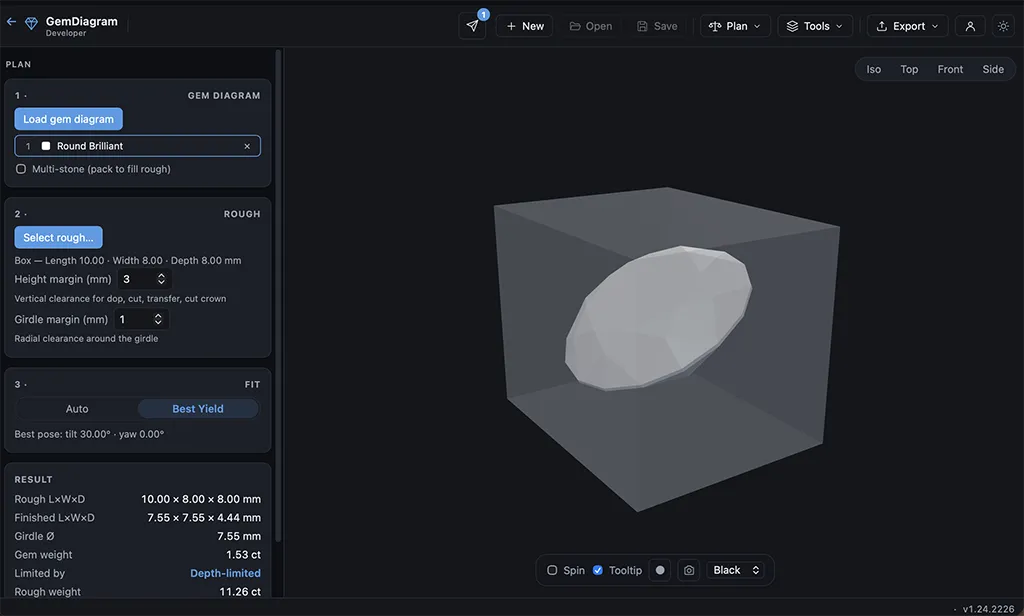
Find the best orientation to cut a given piece of rough before you touch the dop. Enter the rough's dimensions and material, then let Auto, Tilt-search, or Manual modes estimate yield and finished weight — cut with confidence, not guesswork.
The biggest yield decisions happen before the first cut — orientation and placement in the rough. Guess wrong and you lose carats permanently, with no way to get them back.
How it works
Enter your rough's dimensions and material, then choose how to search for the best cut: Auto runs a broad search for the best overall yield, Tilt-search constrains the search to a chosen axis, and Manual lets you dial in exact angles by hand. Rough Planner estimates yield and finished weight for each candidate orientation, so you can compare before committing. Once you've found the best orientation, hand the result straight to a cutting diagram and Cutting Assistant, so the plan that won on paper is the plan you actually cut.
Who it's for
Cutters working valuable or one-of-a-kind rough, where an extra few percent of yield is worth the planning time.
Explore more
Studio
Gem Designer
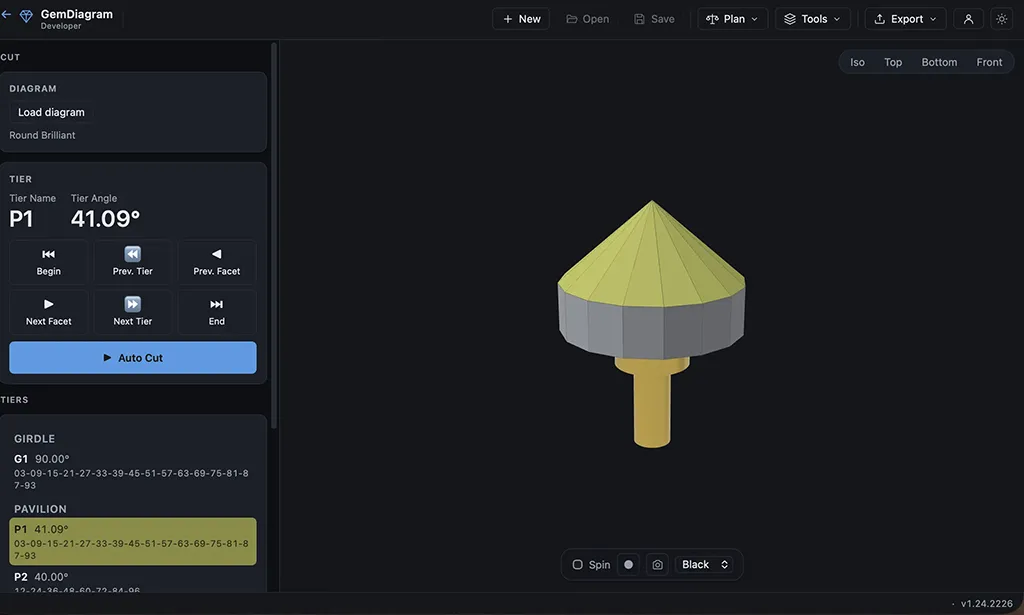
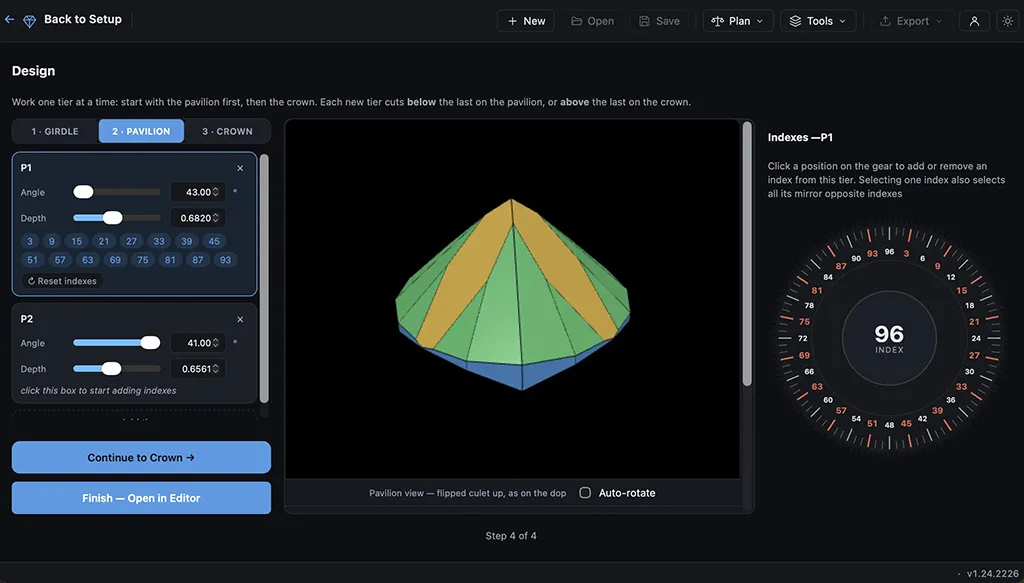
Build a cut from scratch instead of starting from a template. Set angles, distances, and index positions tier by tier, with a live 3D preview that updates as you design — the same engine behind every pre-loaded gem, now in your hands.
A tier-by-tier checklist that walks you through the cutting sequence at the machine. Mark each facet done as you go, track progress, and never lose your place mid-stone. Auto-cut (Pro) takes it further and drives the sequence for you.